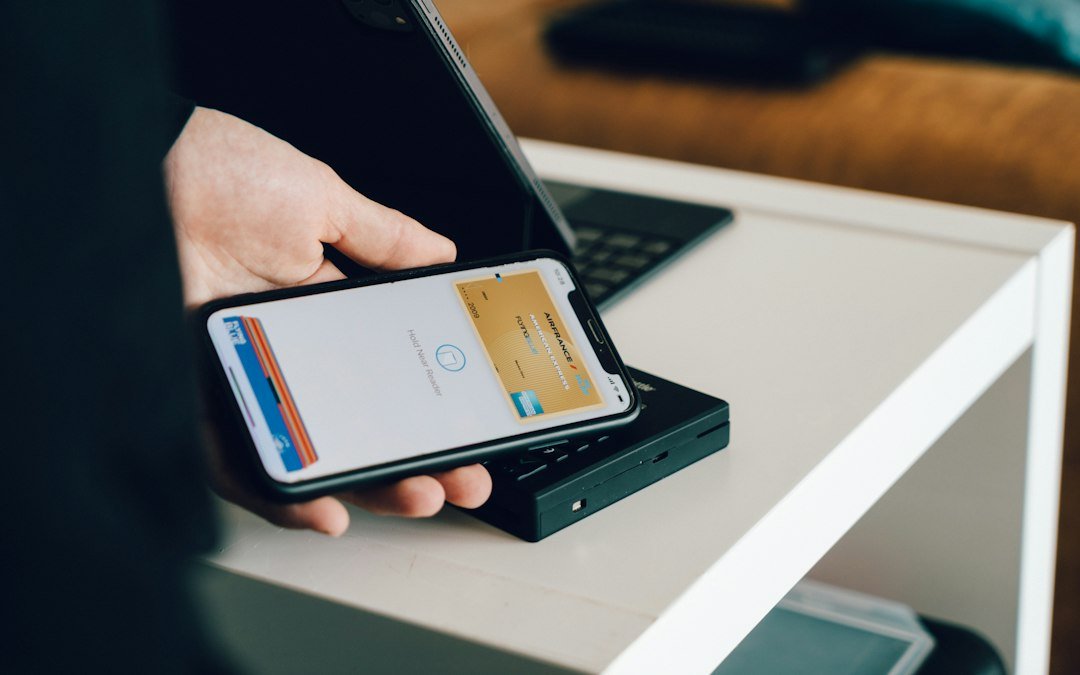
Paying with a phone has become routine in many parts of the world. Digital wallets store your payment details securely and let you pay in stores, in apps and online with a tap or a click. Here is how they work and how to use them safely.
What Is a Digital Wallet?
A digital wallet is an app or service that holds payment information such as debit and credit cards, bank accounts or stored balances. It can also store loyalty cards, tickets and, in some places, digital identification.
How Mobile Payments Work
Most in-store wallet payments use near-field communication (NFC), a short-range wireless technology. When you hold your phone near a payment terminal, the two devices exchange encrypted information to complete the transaction.
- You add a card to your wallet.
- The card number is replaced with a unique token, so the real number is not shared with the merchant.
- You unlock your phone with a fingerprint, face scan or passcode.
- The phone sends the token and a one-time code to the terminal.
- The payment network matches the token to your real card and approves the payment.
Why Wallets Are Generally Secure
- Tokenization: Merchants never see your actual card number.
- Biometric checks: A payment requires your fingerprint, face or passcode.
- One-time codes: Each transaction uses a unique code, so a stolen code cannot be reused.
- Remote controls: If you lose your phone, you can lock or erase it and suspend your cards.
Types of Digital Wallets
- Phone-based wallets that use your existing bank cards
- Online payment wallets that link to your email or phone number
- Super apps that combine payments with messaging, transport and shopping
- Stored-value wallets where you top up a balance and spend from it
Tips for Safe Use
- Keep your phone’s operating system and wallet app updated.
- Use a strong passcode and enable biometric unlock.
- Turn on notifications for every transaction.
- Only download wallet apps from official app stores.
- Review your statements regularly and report anything unfamiliar.
The Bigger Picture
Digital wallets are speeding up checkout, reducing the need for cash and opening financial services to people who may not have a traditional bank account. As more merchants and countries adopt them, mobile payments are likely to become the default way many of us pay.